Agreements
Partner Agreements
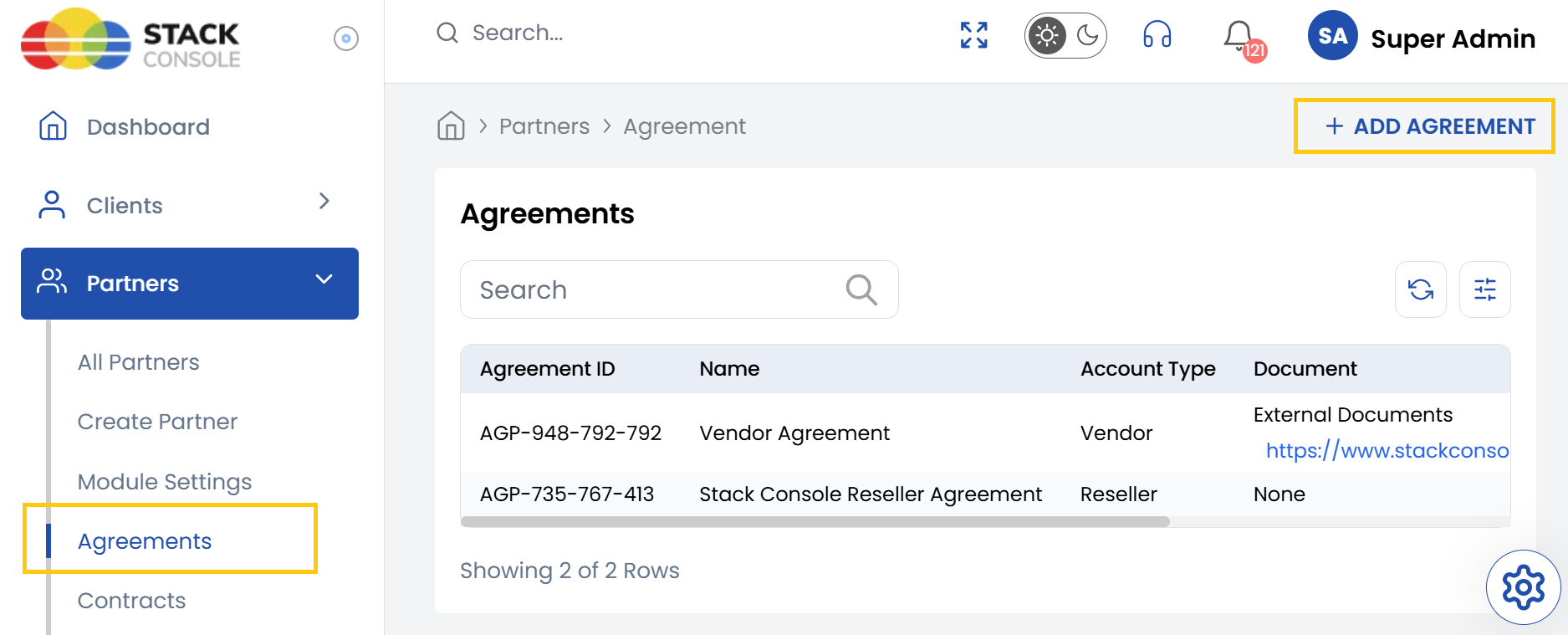
The Agreements tab serves as the foundation for formalizing your partnerships. Agreements represent high-level legal or operational arrangements between your organization and a vendor or reseller. These can include terms of service, pricing models, or general partnership conditions.
- From the left-hand side menu, select the Partners section. Navigate through the sub-sections and click on Agreements tab to view the existing agreements.
- To create new agreement, click on Add Agreement on the right-hand side of the page.
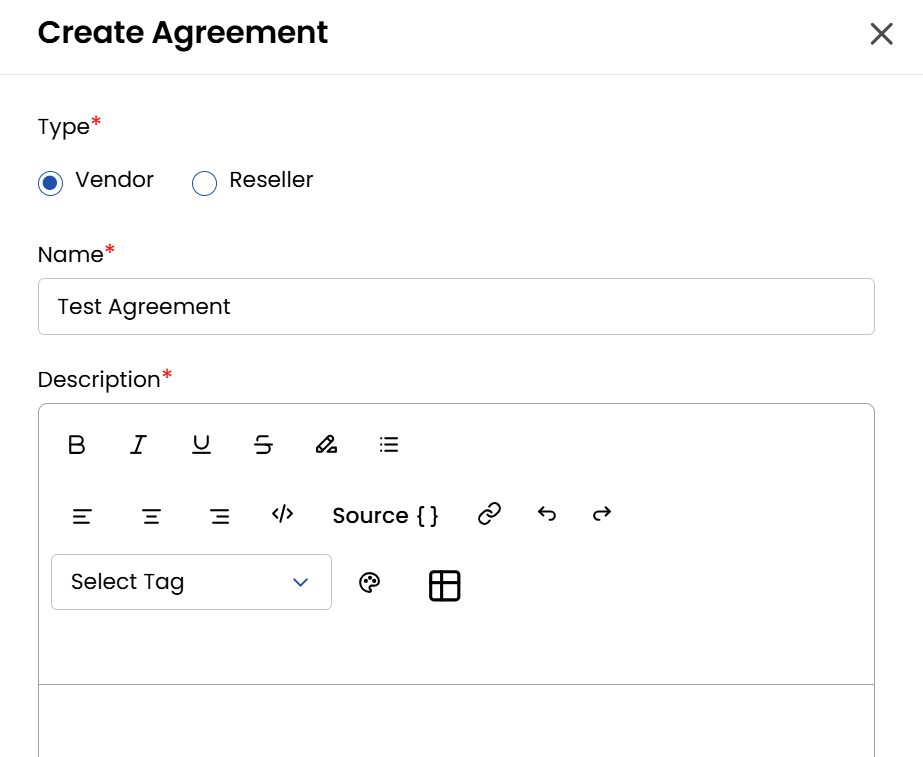
- Choose the type of agreement Vendor or Reseller. Enter Name and add the Description for the agreement.
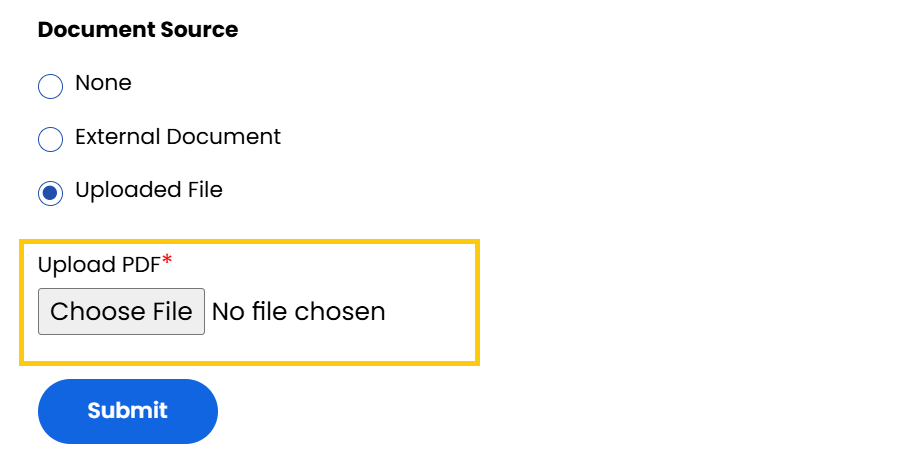
- Each agreement can also be attached with the supporting documents either uploaded as files or referenced via external links. Once, done click on Submit to create an agreement.
Conclusion
The Agreements tab enables you to formalize and manage the core terms of your partnerships with vendors and resellers. With the ability to add detailed descriptions and supporting documents, you can maintain a comprehensive record of each agreement.